Smartphone Battery Care: Habits That Actually Help
Every phone battery slowly loses capacity, and no habit can stop that completely. Still, good smartphone battery care can stretch the time before you notice a drop in daily performance. Most of the advice floating around is a mix of sense and myth, so it helps to understand what actually wears a battery down.
How phone batteries age
Phones use lithium-ion batteries. Each time you charge and discharge, tiny chemical changes build up inside, and the battery holds a little less over time. Two things speed this up more than anything else: heat and staying at extreme charge levels for long periods, either completely full or completely empty.
Understanding this makes the rules simple. Keep the phone cool, avoid extremes where you can, and do not stress about perfection.
Keep it away from heat
Heat is the biggest enemy. Leaving a phone on a car dashboard, in direct sun on a beach, or under a pillow while charging can all push temperatures higher than the battery likes. Some cases trap warmth, so if your phone feels hot while charging or during heavy gaming, take the case off for a while.
Cold matters too, though in a different way. In very low temperatures the battery may show a sudden drop in percentage. This is usually temporary and recovers once the phone warms up, but it is best not to charge a frozen phone straight away.
Smartphone battery care and charging habits
You do not need to wait until the phone is nearly empty before plugging in. Lithium-ion batteries are happier with partial top-ups than with deep drains. Many people aim to keep the charge roughly between 20 and 80 percent when it is convenient, though occasional full charges are fine.
A few practical points:
- Short charges during the day are not harmful.
- Letting the phone hit zero now and then will not ruin it, but doing so regularly adds wear.
- Overnight charging is generally safe, because modern phones stop drawing power when full.
- Use a charger and cable from a reputable maker; cheap unbranded ones may supply unstable power.
Use the built-in protection features
Many phones now include optimised or limited charging options in the battery settings. These learn your routine and hold the charge at a lower level until shortly before you wake up, or let you cap it at a chosen percentage. If you charge overnight most days, turning such a feature on is an easy win.
Fast charging and wireless charging
Fast charging is designed to be safe, and phones manage the speed themselves, slowing down as the battery fills. It does create more heat, though, so use it when you need it rather than as a default. If you are charging overnight, a slower standard charger is gentler.
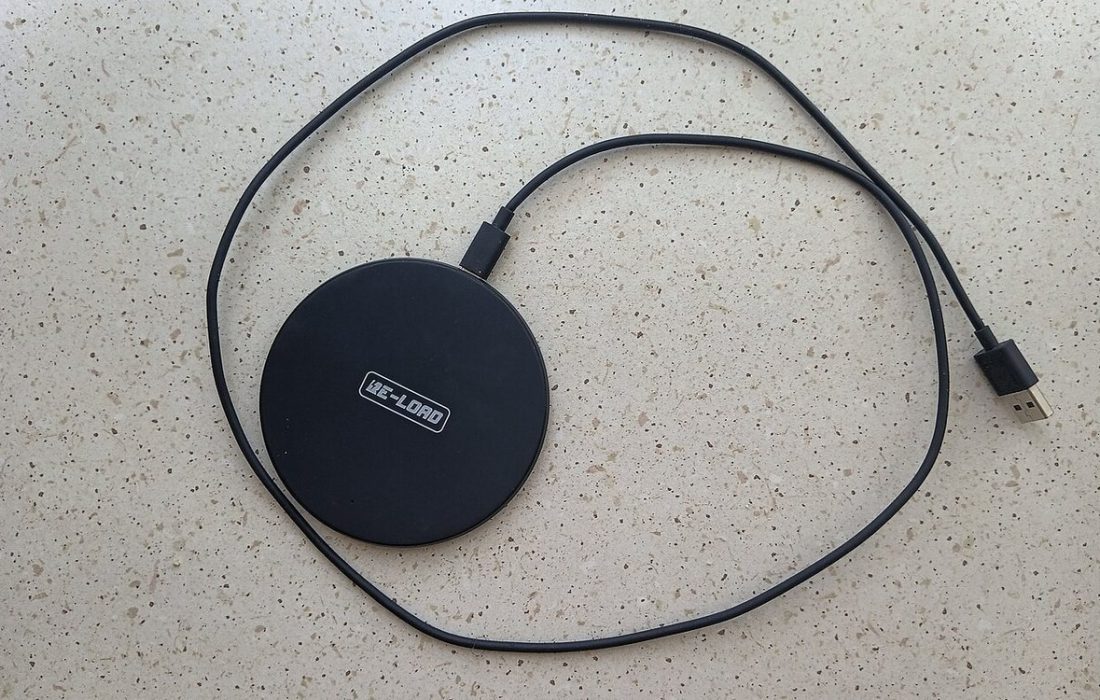
Wireless charging is convenient but less efficient and tends to generate more warmth. Make sure the phone sits correctly on the pad so it does not charge slowly and heat up from poor alignment.
Reduce daily drain without ruining the experience
Extending the time between charges also means fewer charge cycles over the life of the phone. Some sensible settings:
- Lower the screen brightness or enable automatic brightness, since the display is usually the largest drain.
- Shorten the screen timeout so it switches off quickly when idle.
- Check the battery usage screen and review apps using unusual amounts of power.
- Restrict background activity for apps you rarely open.
- Turn off location access for apps that do not need it.
A low power mode is also useful in a pinch, though you do not need to leave it on all the time.
Myths worth dropping
Closing every app from the app switcher does not save battery; the system manages inactive apps efficiently, and reopening them from scratch can use more energy. Using the phone while charging is fine as long as it does not get hot. Draining the battery fully before every charge is outdated advice from older battery types. And storing a phone for a long period at 100 percent is worse than leaving it around half charged.
Know when the battery is worn out
If your phone shuts down at a seemingly healthy percentage, lasts only a few hours, or becomes noticeably slower, the battery may be worn. Many phones show a battery health figure in the settings. If it is low, a replacement from the manufacturer or a trusted repair shop is often cheaper than buying a new phone. Stop using any battery that is swollen, leaking or unusually hot, and have it checked right away for safety.
Frequently asked questions
Is it bad to charge my phone overnight?
Generally no. Phones stop charging when full, and optimised charging features reduce time spent at 100 percent. Just avoid covering the phone while it charges.
Should I charge to exactly 80 percent every time?
It can reduce wear, but it is not essential. Choose what fits your day; having enough charge is more important than perfect habits.
Does a battery saver app help?
Usually not. The phone’s own settings do the same job, and extra apps can add background activity rather than reduce it.